
WordPress 6.9 “Gene” shipped on 2 December 2025 with a feature store operators had been asking for in different words for years: the Command Palette is now available across the whole admin, not just the Site Editor. Combined with block-level Notes, the Abilities API, and a long list of performance and accessibility fixes, it was a genuine step toward a less click-heavy dashboard.
If you run WooCommerce, though, the interesting question is not whether ⌘K can open “Plugins”. It is whether the default WooCommerce admin finally feels like a place a fulfilment lead can live in all day.
What actually changed in WordPress 6.9
For day-to-day store work, three 6.9 changes matter more than the headline editor features:
- Command Palette everywhere. Power users can jump between screens without hunting the left-hand menu. That is the same idea as a command hub — type what you want, go there.
- More predictable admin menu search. Core stopped relying on the raw query string for menu search and now reads
$_GET. Extensions that patched menu search should re-test, but the behaviour is more stable for everyone else. - Frontend performance work. On-demand block styles, minified block-theme CSS, and better LCP help the storefront. They do not, by themselves, make the orders table faster.
Those are good changes. They are also aimed at the WordPress editing and site-building loop. WooCommerce’s loop is different: find an order, check the customer, change a status, jump to a subscription, answer a “where is my order” ticket.
Why the default WooCommerce backend still feels heavy
The stock WooCommerce backend is a stack of list tables, meta boxes, and full page reloads. It was designed around store setup — products, payments, tax — not around a team processing fifty or five hundred orders a day.
A shop manager’s typical morning still looks like this:
- Open WooCommerce → Orders and wait for the table to paint.
- Filter by “Processing”, then lose the filter when they open a single order.
- Hunt for a SKU or email in a search box that was never meant to be a global index.
- Flip back to Customers or Subscriptions in another tab because the screens do not share context.
WordPress 6.9’s palette can shorten some of those hops. It cannot change the density of the order row, the lack of a visual fulfilment board, or the fact that giving a warehouse hire the full wp-admin menu is how permalinks get “fixed” on a Friday.
What store teams actually search for
When people look for a better WooCommerce admin they rarely type “command palette”. They type woocommerce admin, woocommerce backend, woocommerce frontend dashboard, or they look for a WooCommerce admin replacement that keeps WooCommerce as the system of record.
That last point is the important one. You do not need to migrate off WooCommerce to give operations a faster workspace. You need an interface that:
- Searches orders, products, and customers from one field
- Lets shop managers work without the Plugins / Appearance / Settings maze
- Maps fulfilment to the way the warehouse actually packs — not a single status dropdown
How VendBase fits next to WordPress 6.9
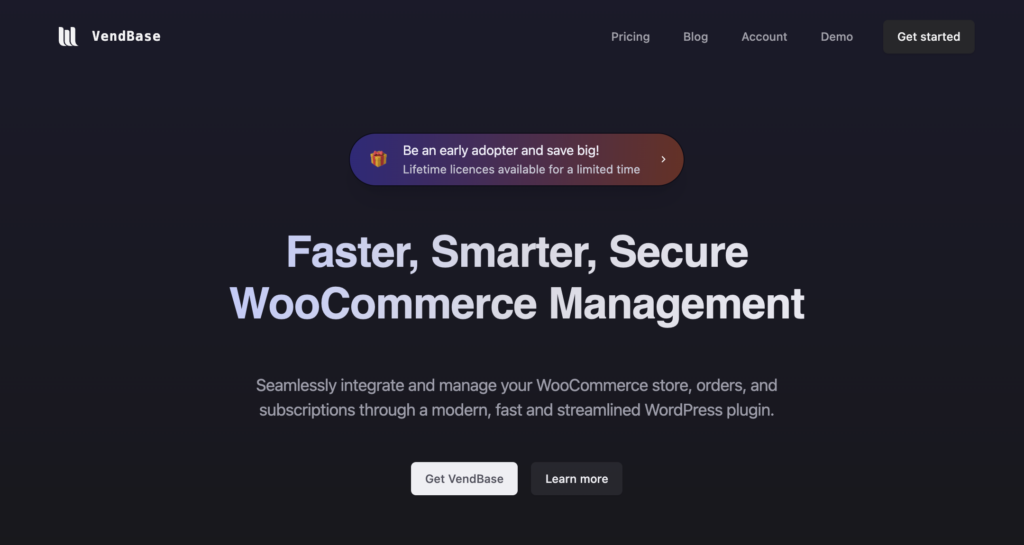
VendBase (formerly WooBase) replaces the default WooCommerce screens with an operations interface: dense tables, keyboard-friendly search, dark mode, live order updates, and an order kanban that updates real WooCommerce statuses when you drag a card.
It also has its own command hub. If 6.9 trained your team to type instead of click, they will feel at home — except the results are orders and customers, not block patterns.
For agencies and shop owners who do not want staff in wp-admin at all, VendBase can load on a frontend page. Developers keep the full WordPress admin. Operations get a dedicated WooCommerce workspace.
Should you update to WordPress 6.9?
Yes — on a staging site first, then production, as you would with any core release. 6.9 is backwards compatible in the usual WordPress sense, and the palette plus accessibility work are worth having.
Just do not expect core’s new admin shortcuts to fix WooCommerce’s operations UI. Treat 6.9 as a better chassis. If your team still loses minutes on every order, the missing piece is still a purpose-built WooCommerce admin.
Want to see the difference on a real store? Check lifetime pricing or open the WooCommerce admin demo.